How do I view my account credit balance?
Last updated: February 3, 2026
Context
When you downgrade your subscription or make changes to your seat count, you may receive account credits that can be applied to future billing cycles. These credits might not be immediately visible in your account dashboard, leading to questions about where to find them.
Answer
To view your account credit balance, follow these steps:
Navigate to Account Settings
Go to Subscriptions and Billing
Click Manage Subscription
Your credit balance will be displayed next to your Account Information section
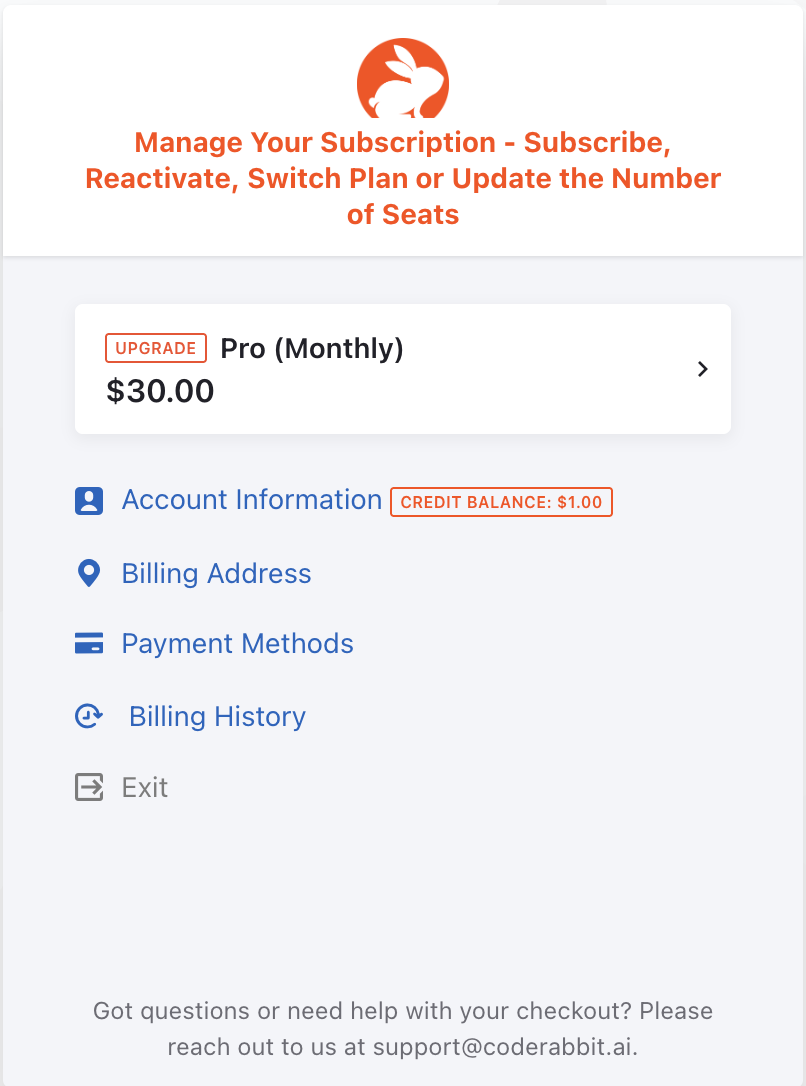
The credit balance will appear in this section and will be automatically applied to your next billing cycle.