Guide: Restore Linear integration after OAuth security model upgrade
Last updated: April 2, 2026
Overview
Linear recently updated their OAuth security model, transitioning from long-lived access tokens to short-lived tokens with automatic refresh capability. This is a security improvement that provides better protection for your data.
CodeRabbit rolled out support for this new security model across all customers. The vast majority of customers were migrated automatically with no action required. However, a small number of customers could not be migrated automatically.
If your organization is impacted, your Linear integration to CodeRabbit may be non-functional. This means:
CodeRabbit cannot retrieve Linear issues or context linked to pull requests.
Auto-linking between Linear issues and PRs may not function correctly.
Any CodeRabbit features that rely on Linear data will be unavailable until the integration is re-established.
No data was lost, and your CodeRabbit configuration and history remain intact. The fix is a simple reconnect that takes under one minute. Please follow the simple instructions below to restore your Linear integration to CodeRabbit.
How to restore your Linear integration
To restore your Linear integration, please follow these steps in the CodeRabbit app. The process takes less than one minute.
Navigate to the Integrations → Issue Tracking page in your CodeRabbit app.
Find the Linear integration card and click on the toggle (now enabled) to disconnect the integration.
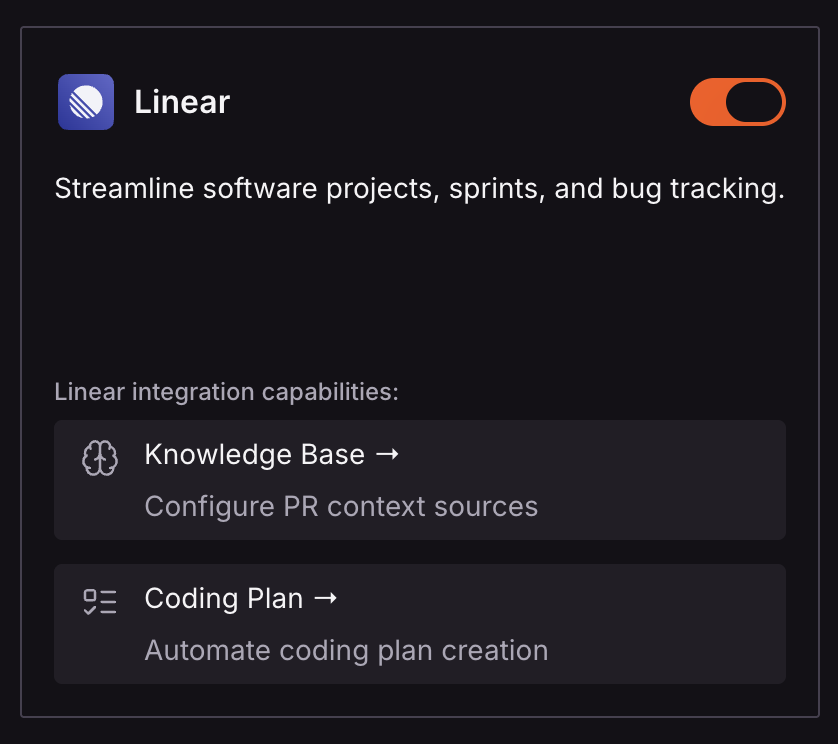
Click the toggle (now disabled) again to reconnect and complete the Linear OAuth authorization flow.
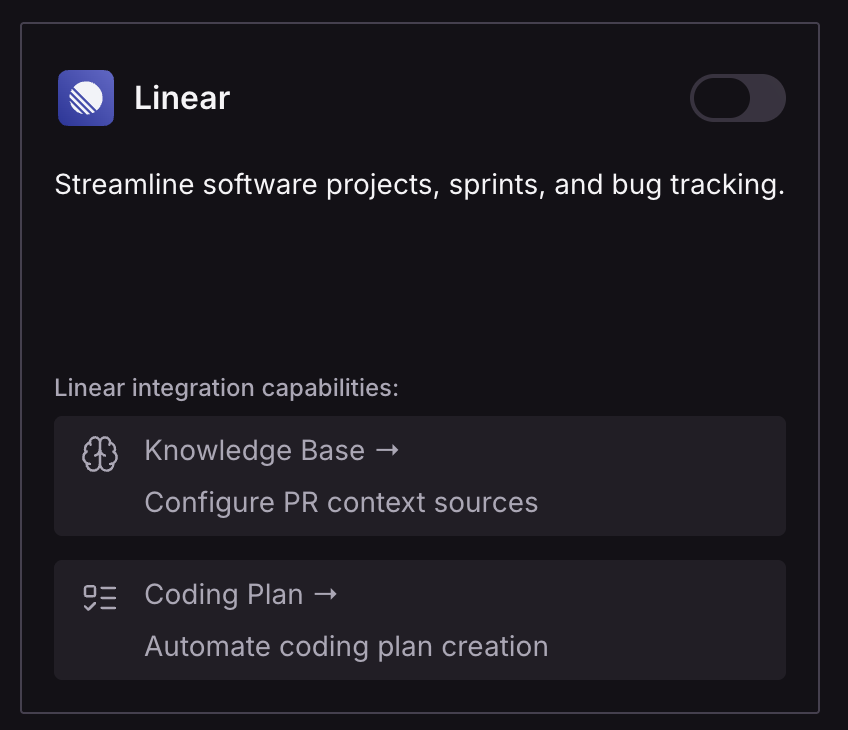
Confirm the integration status shows as Active.
Once reconnected, your Linear integration will be fully restored and CodeRabbit will resume normal operation with Linear.
Need help?
If you need help or experience any issues after reconnecting your Linear integration, please contact CodeRabbit Support.